I was having a bad day so, instead of working, I played Ooblets. It’s such a sweet and funny game, improved my mood at once. Even made me laugh out loud a few times!
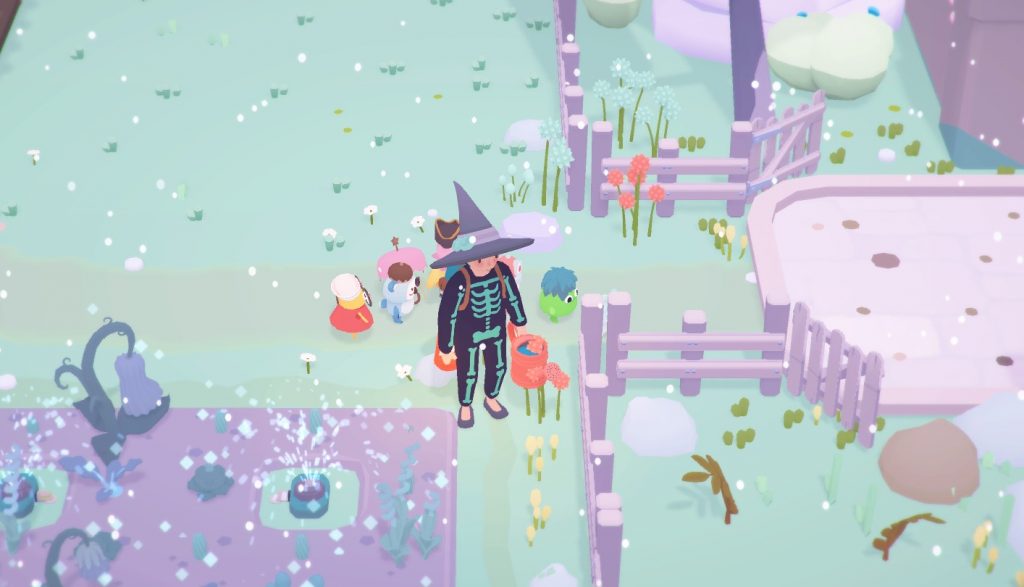
If you are sad and want to cheer up, I very much recommend you play it 🙂
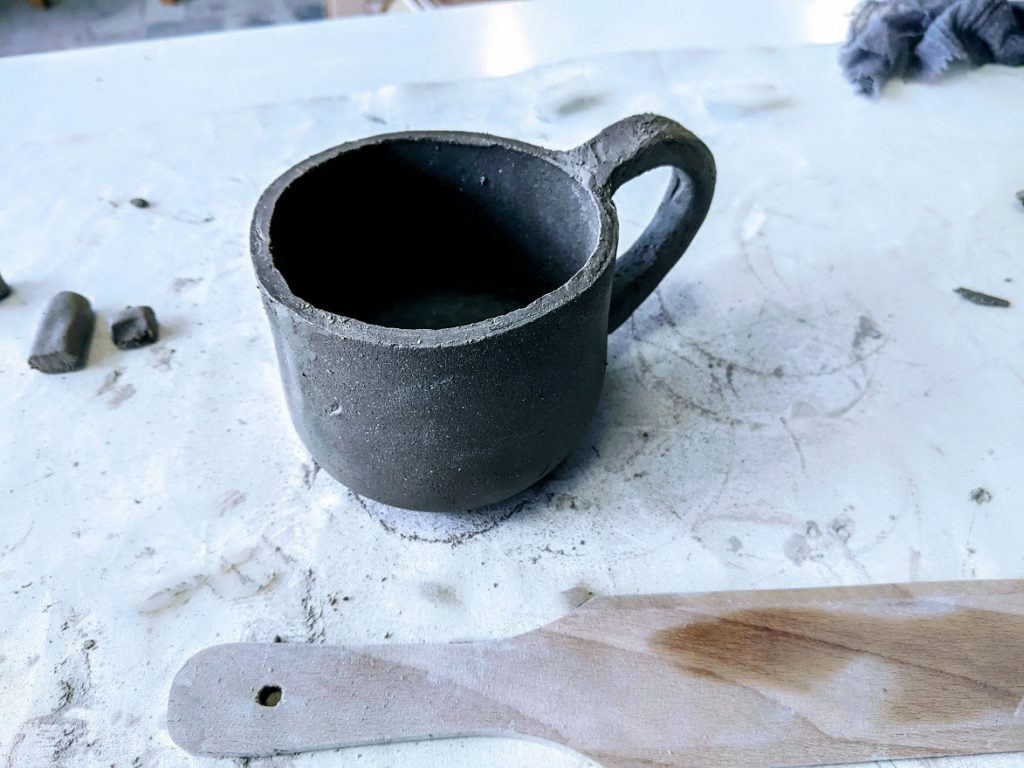
I found out about a local pottery studio that sometimes organizes classes. Last week they posted an event on Facebook titled “Make yourself a mug”. I have always wanted to make stuff from clay but never had a chance before. I called my family, and they all wanted to go too. Even my mom agreed to come though she claimed she was too old for that.
The mugs are not ready yet. Now they need to dry, then they will be fired in a kiln (sort of an oven) and after that coated with a glaze, and then we can collect them.
I am trying to find time to draw more designs. Today I drew yet another cat. It’s an interesting combination when you draw a cute animal and have it say something strange.
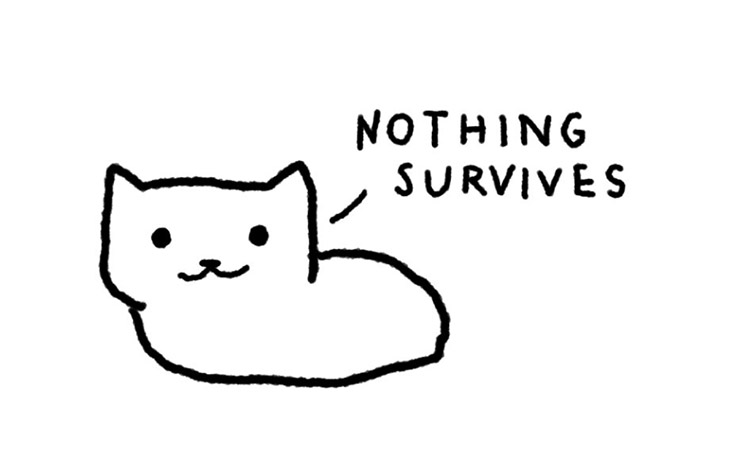
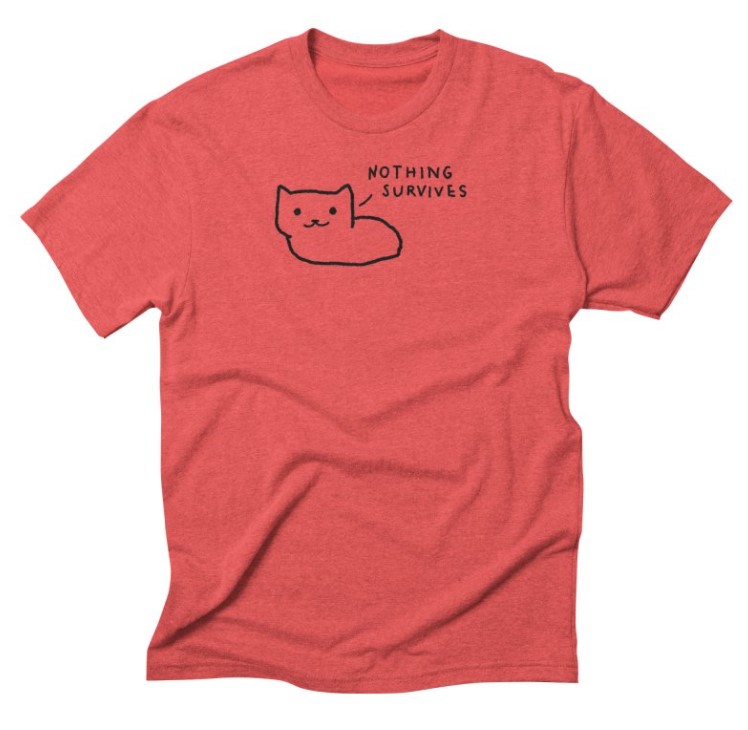
See it in my Threadless store.
Edit (2021 June 22): Design moved from my Fox Shiver store to my TRUFFLEPIG store.
I know how it is. Every few weeks, you hear about yet another website where you should be selling your designs. And you wonder, Is it worth my time?
If you have ever submitted your designs to any Print-On-Demand websites, you know that it takes a lot of time. And sometimes, after all that effort, you see no sales. Worse, some of those websites may disappear after a while and stop paying out royalties to artists. It happened to me twice.
It’s understandable that you ask yourself, Should I invest my time in yet another website? Is Threadless worth it?
If you are scanning this article to find the answer, then here it is: Yes! You absolutely should submit your designs to Threadless.
I have been selling my art on Threadless for the past 5 years. No other website has brought me as much money in passive income as Threadless. The beginning was tough — I wasn’t making much money right away. It might be the same for you. But don’t get discouraged, keep making designs — the more you submit, the more likely it is that you will be successful.
8 Tips for Selling on Threadless.
Open your Threadless Artist Shop
What happens when Threadless selects your design?
I make notes about all the books and articles that I read, about anything useful that I learn. I note down all my ideas, I plan my future projects, I write down notes from courses I take. And while I work I chronicle the process.
For all that I use Roam Research. It’s kind of like my second brain. I wrote a bit about it before.
One feature that I’ve found out about recently is: Templates. When you keep writing the same things over and over again you can use templates to speed up the process. For example, when I read a book and want to add it to my Roam, I create a new page for that book. And then I add notes: the author, keywords, sometimes quotes. Now however I can create a template so that notes for each book follow the same structure.
The format for the template is:

The first line is key: you need a trigger to be able to use your template, and you need to add “#roam/templates” to specify that it’s a template.
I created a new page in Roam called “Roam Templates” to keep all my templates there and added the first template The template is for book notes, the trigger is — “book”:
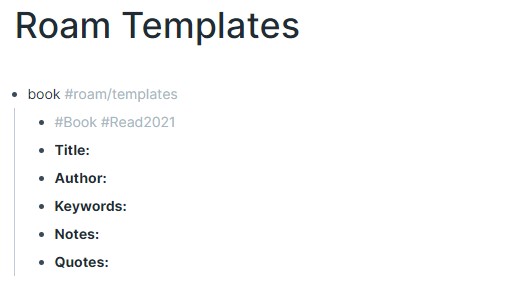
All the sub-blocks: “Title”, “Author”, etc, are the content of the template.
Now that my template is declared I can use it wherever I want.
I go to another page that I created for the book “Annihilation” which I’ve read recently. To use the template I need to call a trigger, you do that by writing a semicolon twice: “;;”
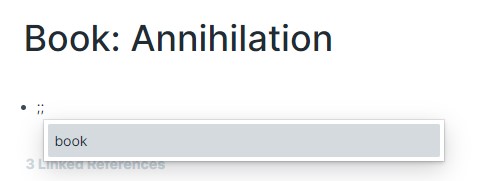
When I write “;;” I get the list of all my templates. For now, there’s only one template: “book”. I select it, press enter, and my template shows up:

Now I can simply add all the data I want to have here. And then I can use the same template for other books.
I made a new landing page, just with a subscribe button, using ConvertKit. ConvertKit is a service that lets you collect e-mail addresses and send newsletters.
If you want to subscribe to our newsletter about our cat book you can do it here.
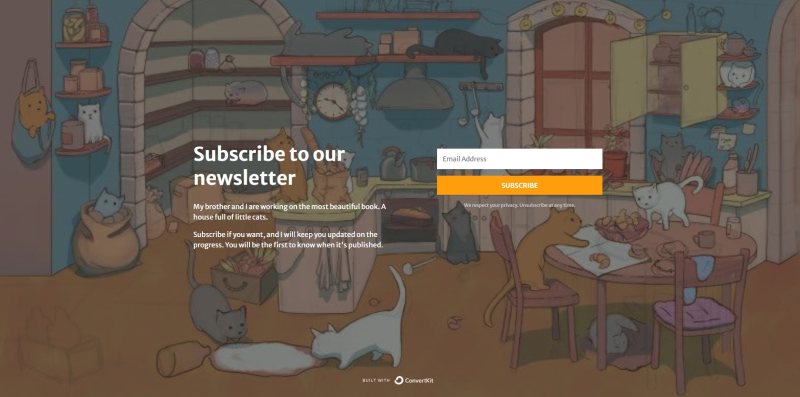
ConvertKit is an alternative to Mailchimp, which I had always used before. This is the first time I’ve used ConvertKit instead of Mailchimp. Mostly I just want to see how are they different and test which one is better.
I can already tell you that ConvertKit is very easy to use. I created a landing page to let people subscribe to a newsletter about our cat book in less than 5 minutes. If you have any kind of project/book/game/whatever-else-you-are-working-on, it’s a good idea to start collecting the e-mail addresses of anyone who might be interested as soon as possible. You can go to ConvertKit and create an account — for free! — and then create a page in mere minutes. Good luck!
I would love to see anything you guys are working on, let me know here in the comments or on Twitter.
You guys know that my brother and I have been working on our cat book. Each page takes a while.
You start with a rough sketch:
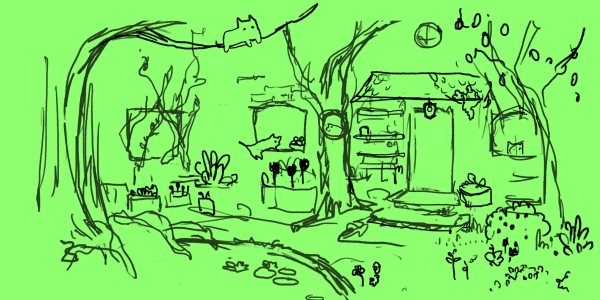
On top of it you create a cleaner sketch:
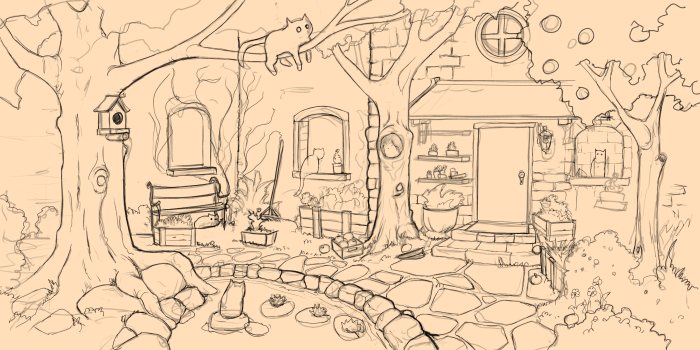
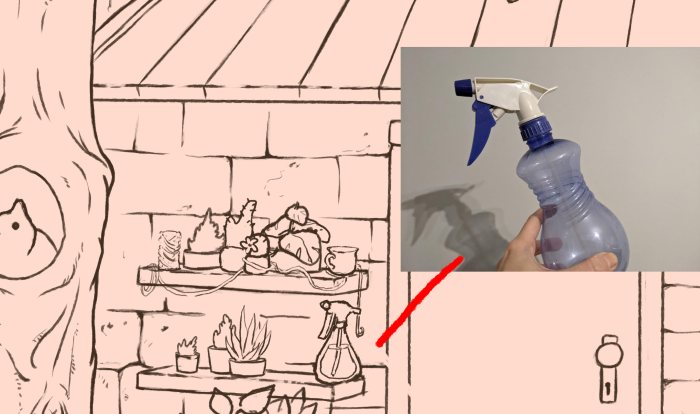
And then you keep adding details. Some things you can draw from memory. But if you are unsure how something looks you find references and take photos of things that you want to add. Here I took a photo of a plant spray bottle and then drew it:
I googled strawberries and then sketched them too using photos as references:

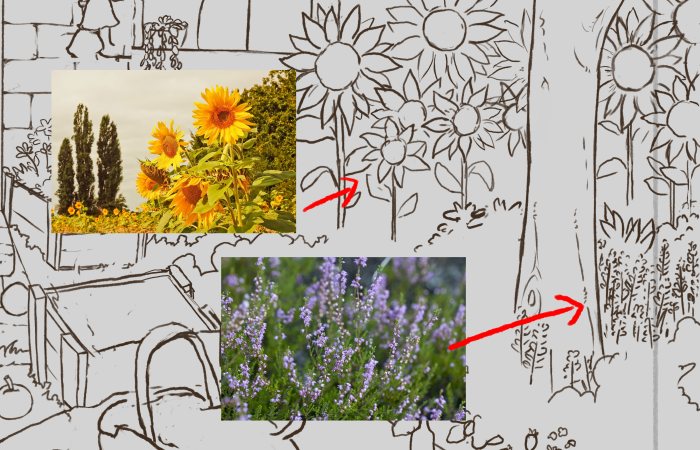
I searched for various plants and flowers for inspiration:
And I even used one of my designs with two cats and added them to the image:
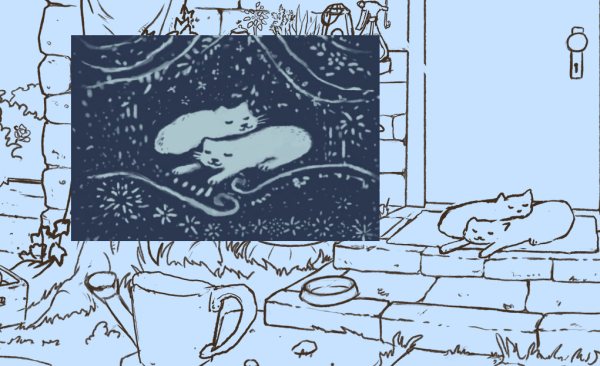
And that’s how the whole drawing is made 🙂
It’s interesting how random things can inspire us.
I was playing Stardew Valley recently, and in-game you can have seeds that you can plant. One kind of seed is Fall Seeds. When you hover over it in your inventory, you can read the description: “An assortment of wild fall seeds”.
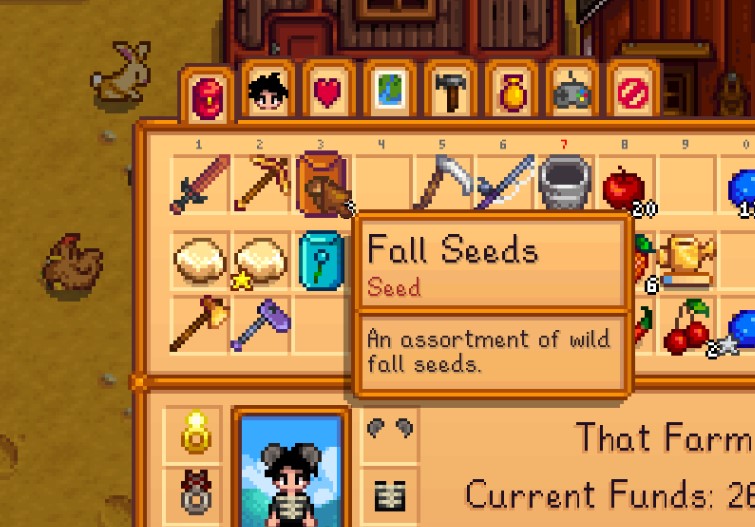
That word – assortment – stuck with me. And I thought, “What would an assortment of cats look like?” because I like drawing cats. And so I drew just that.
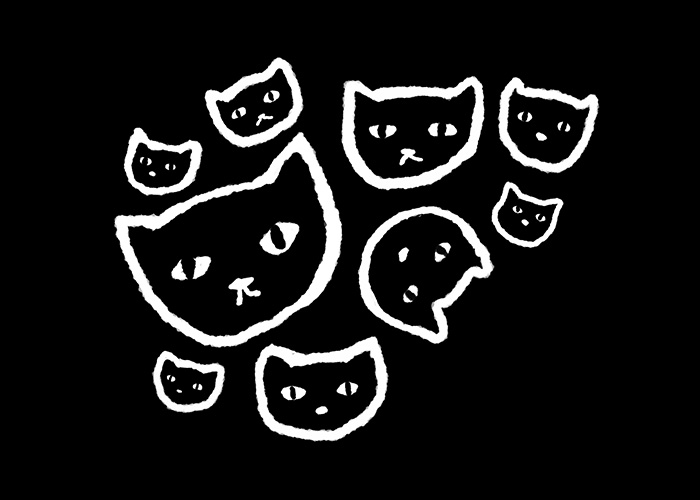
That’s the second design inspired by Stardew Valley. I wrote about the first one a few days ago. Maybe I should play more games as an inspiration 🙂
And here is “Assortment of Cats” on a t-shirt:
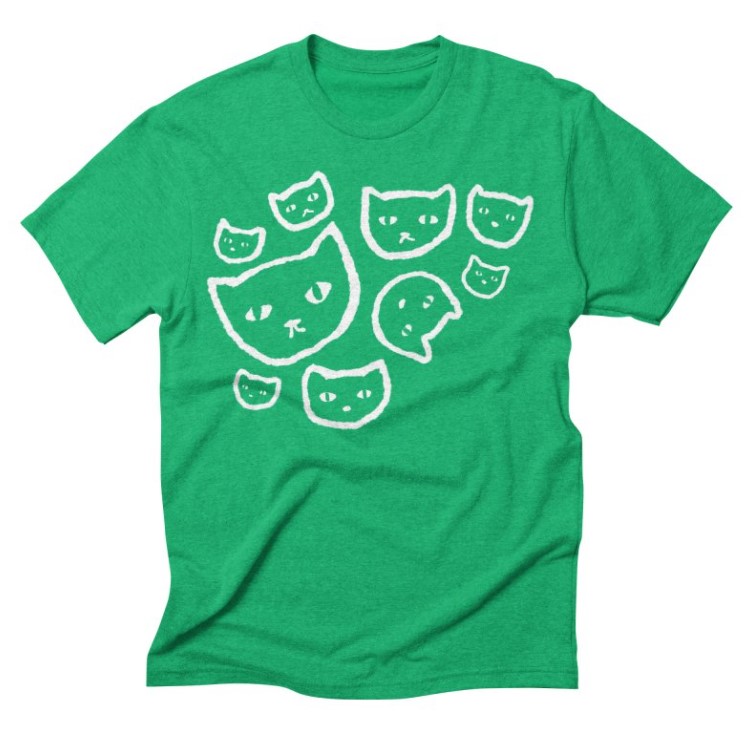
Edit (2021 June 22): Design moved from my Fox Shiver store to my TRUFFLEPIG store.
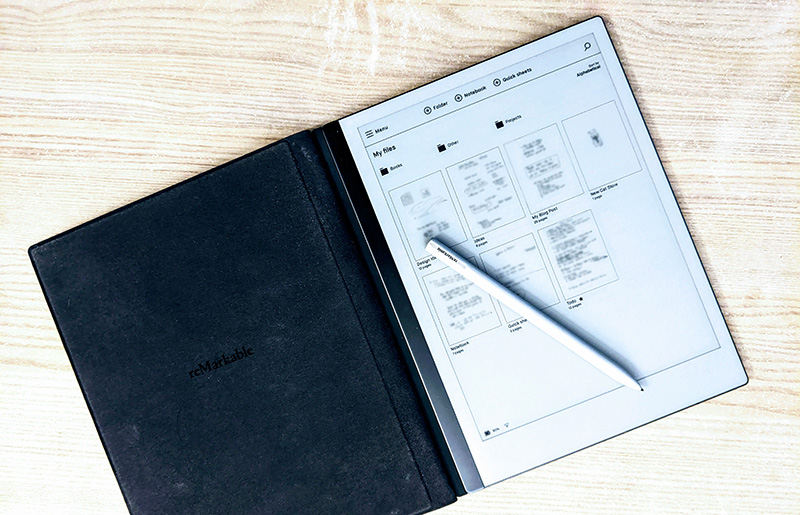
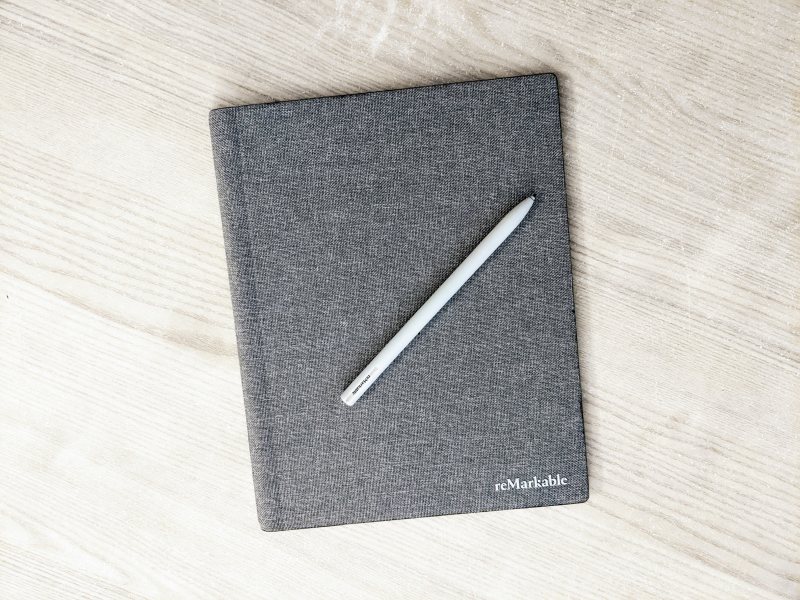
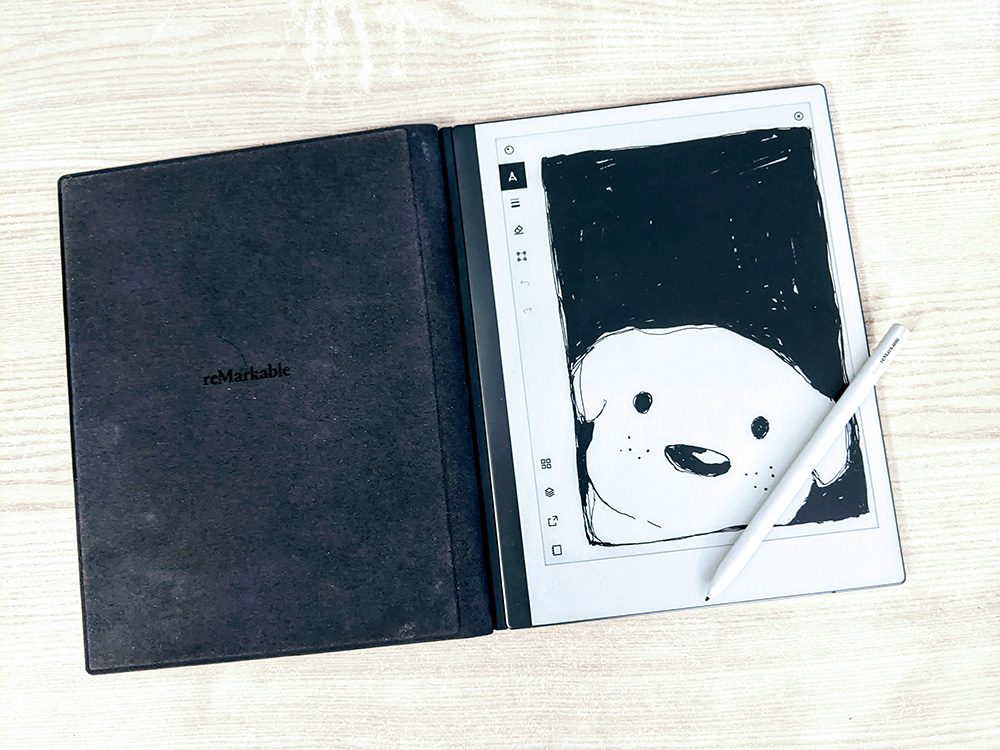
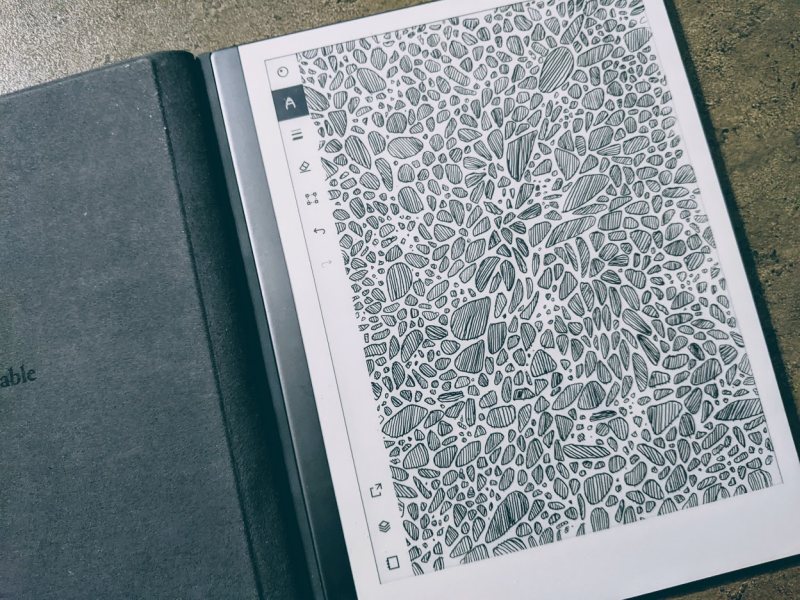
I bought a reMarkable 2 tablet in January 2021, and I’ve been using it every day since then. It’s one of the most useful devices I own. I use it more than I use my phone. It’s always next to me when I work, and I often take it with me wherever I go. But no device is perfect. Here are my notes after 4 months of using reMarkable 2.
I bought:
The pen is not included with the tablet by default. When you are buying a tablet, you should select a marker too, unless you plan to use the tablet for reading only. There are two marker options: gray, and black. The main difference between the two is that the black one has a built-in eraser.
Optionally, you can buy a folio.
There’s a 30-day guarantee — you can buy and test reMarkable 2 for 30 days and if you don’t like, return it. But be prepared that you will want to keep it.
You can buy your reMarkable 2 tablet here.